Update Payment Method
Use these steps to change the credit card on file for your subscription.
Steps
-
Click the Options button in the main toolbar at the top of the page.
-
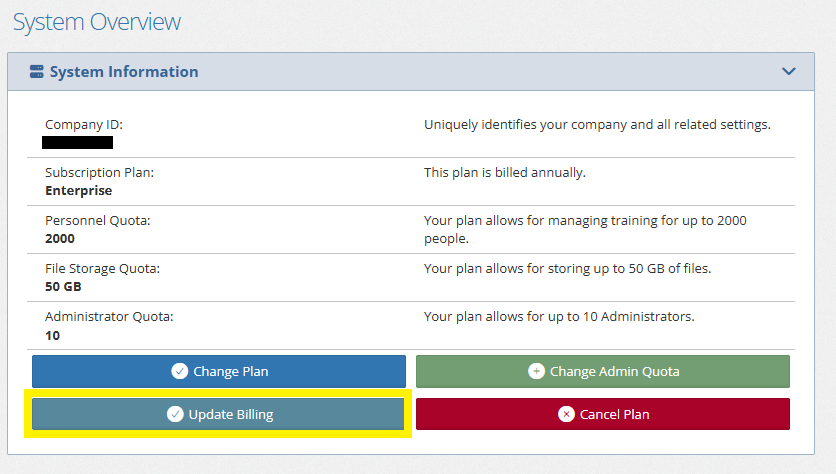
Click the Update Billing button in the System Information box.
-
Click the Edit Subscription link on the billing page.
-
Follow the steps to Update payment method.
Administrator Access
System Administrator permissions are required to change subscription and billing settings.