Increase Admin Quota
Use these steps to increase the number of administrators your plan allows.
Steps
-
Click the Options button in the main toolbar at the top of the page.
-
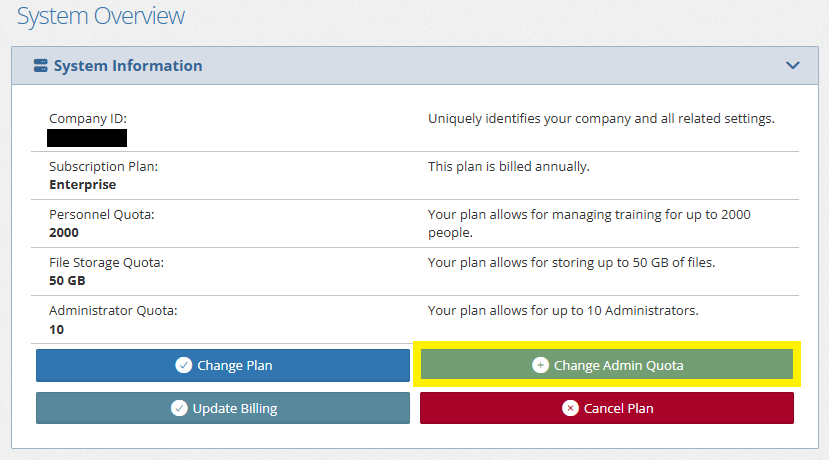
Click the Change Admin Quota button.
-
Review the current quota displayed on the page.
-
Click the Increase Quota link.
-
Enter the number of additional admins to add to the existing quota.
-
Click the Continue button.
-
Review the changes, and then click the button to confirm them.
Billing
(./update-payment-method.md)
Administrator Access
System Administrator permissions are required to change subscription and billing settings.