Change Plan
Use these steps to change your subscription plan.
Steps
-
Click the Options button in the main toolbar at the top of the page.
-
Click the Change Plan button.
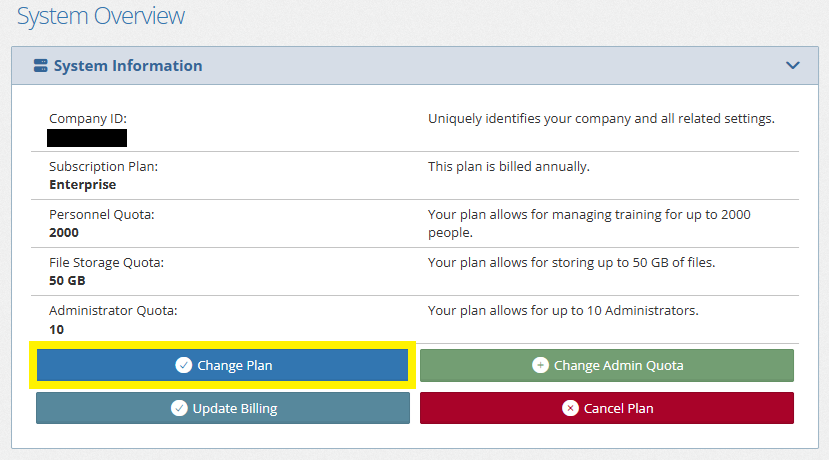
-
Click the button to select your new plan.
-
Click the button to confirm the changes.
Billing
(./update-payment-method.md)
Administrator Access
System Administrator permissions are required to change subscription and billing settings.